Webflow Form Spam: The 60-Second Fix
The LeadShield.ai Team · 22 September 2026
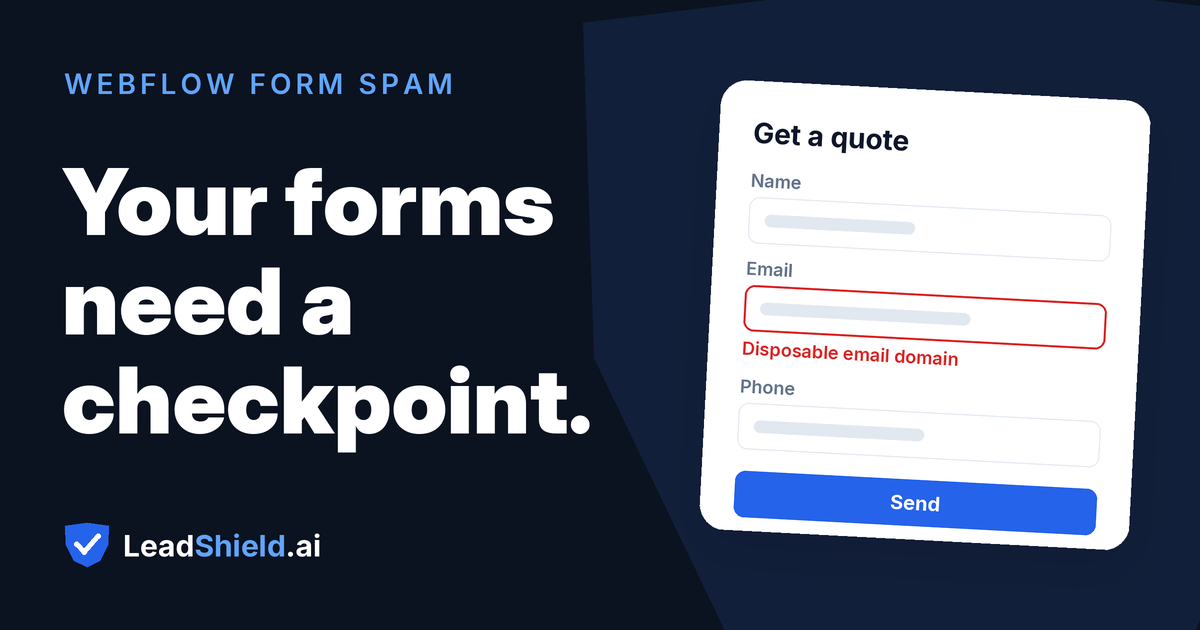
Webflow form spam has a habit of arriving all at once. A site runs clean for months, then one morning brings a burst of submissions with names like "qzvlop t" and messages offering "cooperation" and guest-post deals. The cause is rarely a targeted attack. Public forms get found by crawlers that map unprotected inputs and keep posting to them until something blocks the way. Webflow ships more native protection than the Designer surface suggests, and the first layer takes about a minute to switch on.
Why do Webflow forms attract spam?
Because they are public, predictable and connected to money. Webflow renders forms with standard markup a bot can recognise by crawling, and until a filter stands in the way, the same input that collects genuine enquiries will accept anything a script posts to it. That is the whole attack surface.
Lead-generating sites are the worthwhile targets. A contact or demo form feeds a CRM, a sales inbox, sometimes an automation chain, so every fake submission consumes human attention downstream. Webflow's own help centre makes a second, less obvious point about deliverability: "Spam can increase the chance that your notification emails get flagged or rejected." Enough junk and the genuine enquiry notifications start disappearing too, which is how a form-spam problem turns into a missed-enquiry problem before anyone notices a pattern in the submissions table.
Agencies feel this multiplied. The same form template rolled out across a dozen client sites gives a bot twelve copies of the same markup, and the Starter plan adds a hard quota to the problem: free sites collect 50 submissions in total, the limit never resets, and every junk entry is one fewer real enquiry the form can hold.
What Webflow gives you natively
Webflow's documentation names four methods of prevention: CAPTCHA systems, bot blocking, spam filtering and the honeypot technique. Two are site-level toggles, one is an element you add, and one is code you write.
- Spam filtering lives under Site settings > Apps & Integrations > Cloudflare Turnstile spam protection. It checks all form data sent on your site and routes identified spam into a dedicated spam inbox instead of your submissions table. Webflow enables it by default on new sites; older sites may predate that default and are worth checking.
- Bot blocking sits under the same setting. Webflow describes it as AI that analyses "mouse movements, inputs, and other signals" to separate bots from valid users, and once on, it applies to every form on the site. Webflow recommends keeping both it and spam filtering turned on.
- reCAPTCHA is a form element plus a site-wide toggle. You register the site with Google, choose reCAPTCHA v2's "I'm not a robot" checkbox, paste the Site Key and Secret Key into Site settings > Apps & Integrations > reCAPTCHA validation, then publish. Two limits matter: enabling validation enforces it on every form, so any form missing the element will fail to submit; and the native integration does not work on exported sites.
- The honeypot technique is not a setting. Webflow documents it as custom code: add a hidden field (concealed with display:none, opacity or positioning), give it a realistic name, then add JavaScript that blocks submission once the field has content. Webflow's own guidance concedes that "some robots may be able to recognize and circumvent them" and that the setup "may need to be updated over time as bots learn."
Submission limits sit alongside all this. Starter sites get 50 submissions in total, with no reset; submissions are unlimited on every other Site plan. File uploads carry their own quota: 10 GB free, $0.50 per GB monthly beyond that, and a hard stop at 100 GB where collection ceases altogether.
The 60-second fix for Webflow form spam
Run this before anything else. Both native layers Webflow recommends live in the same screen, and switching them on fits inside a minute:
- ✅ Open Site settings > Apps & Integrations > Cloudflare Turnstile spam protection.
- Switch on spam filtering. Identified spam now lands in a dedicated spam inbox rather than your main submissions table.
- Switch on bot blocking. Behavioural checks then cover every form on the site.
- Publish the site.
- ⚠️ Submit a test enquiry on the live site and confirm it appears under Site settings > Forms. Sites built before the spam-filtering default are the ones this step usually catches.
Two toggles, one publish, one test. If you want a read on what is still slipping past these layers, get a free audit of your recent Webflow submissions.
What can still slip past Webflow's native spam controls?
Human-typed junk, disposable identities and AI-written enquiries can still clear the native layers. Bot blocking judges behaviour, while spam filtering checks submitted form data for patterns associated with spam. Neither is documented as verifying whether a working mailbox, phone number or plausible person-typed enquiry is commercially genuine.
Webflow says as much about CAPTCHA: it "can also be circumvented by more advanced bots." A cleared checkbox proves a challenge was passed, not that the enquiry deserves a reply. Burner domains and typo-squat lookalikes can clear the native layers because Webflow does not document mailbox-quality checks. A disposable address can resolve, accept mail and then disappear quickly; it is a working inbox at submission time, so behaviour and content filters do not reliably identify it. We go deeper on this in our analysis of whether reCAPTCHA stops fake leads.
The asymmetry is the problem. Sending junk costs almost nothing; handling it costs a reply, an enrichment run, a line in next month's report. Any figure you put on that is an estimate of cost avoided once the junk stops, never money recovered. The same logic applies to agency reporting: a client dashboard padded with junk enquiries overstates demand and sets the wrong priorities for the following quarter.
When should you validate the enquiry itself?
When junk enquiries reach people or systems that act on them. If submissions feed a CRM, trigger workflows or land in a rep's queue, each fake enquiry burns handling time, and that is the moment to score the enquiry's content rather than the visitor's browser.
That is the gap LeadShield fills. One JavaScript snippet added to the site scores every enquiry at the form in real time: email validation with disposable-domain, MX and typo checks, phone validation, behavioural bot detection covering honeypot triggers and impossibly fast fill times, and IP reputation. Each blocked lead is logged with a plain-English reason you can read in a second, and blocked leads export to CSV for review. Installation takes about 60 seconds. Start free with 14 days of Pro included, no card; Pro is $99/month and Agency is $249/month. See LeadShield scoring your own Webflow form.
The same problem exists wherever forms collect leads. If you also look after WordPress sites, our guide to stopping fake leads in Contact Form 7, WPForms and Elementor covers that stack's equivalent weak points.
How do you know it worked?
Measure the junk rate before and after. The numbers already exist in Site settings > Forms, where each form has its own submissions table and count, and filtered spam sits separately in the spam inbox.
- Baseline: for two weeks, record each form's main-table submissions and spam-inbox count weekly. Junk rate is spam divided by main-table submissions plus spam.
- After: repeat the same count for the two weeks following the change, on the same forms.
- Watch deliverability as a second signal: if notification emails had been drifting into recipients' junk folders, monitor whether delivery improves after the spam rate falls; do not treat that as proof of causation.
A junk rate that falls and stays down is the result you want. One that falls, then creeps back up, says the bots adapted to the behavioural layer, which is the practical argument for checking the enquiry's content as well as the submitter's behaviour.
Frequently asked questions
Does Webflow have built-in spam protection? Yes. Spam filtering under Cloudflare Turnstile spam protection is enabled by default on new sites, and bot blocking can be switched on from the same screen. Both apply site-wide to every form. Sites created before the default was introduced are worth a manual check.
Is reCAPTCHA worth adding to Webflow forms? It depends on spam volume and tolerance for friction. Webflow supports reCAPTCHA v2's "I'm not a robot" checkbox, and enabling validation site-wide means every form needs the element or it will fail to submit. Webflow's own docs note CAPTCHAs hurt user experience and can be circumvented by advanced bots.
Does the honeypot technique work on Webflow forms? Yes, as a custom-code technique rather than a setting. You hide a decoy field with display:none or opacity, then add JavaScript that blocks submission when the field is filled. Webflow's guidance warns that some bots recognise honeypots and that the setup needs maintenance over time.
How many form submissions does Webflow allow? Starter sites collect 50 submissions in total, and the limit does not reset. Submissions are unlimited on all other Site plans. File uploads are metered separately: 10 GB free, then $0.50 per GB monthly, with a hard stop at 100 GB.
Will native settings stop AI-written enquiries? Not reliably. Bot blocking targets automated submissions, and an AI-assisted human typing a plausible enquiry may look normal to behavioural checks. That class of junk needs enquiry-level validation, such as email, domain and phone checks at the point of submission.
Fake leads draining your budget?
LeadShield catches bots, disposable emails and AI spam — connect your form tool or CRM in two minutes, nothing to install.
Start free