Does reCAPTCHA Stop Fake Leads?
The LeadShield.ai Team · 18 August 2026
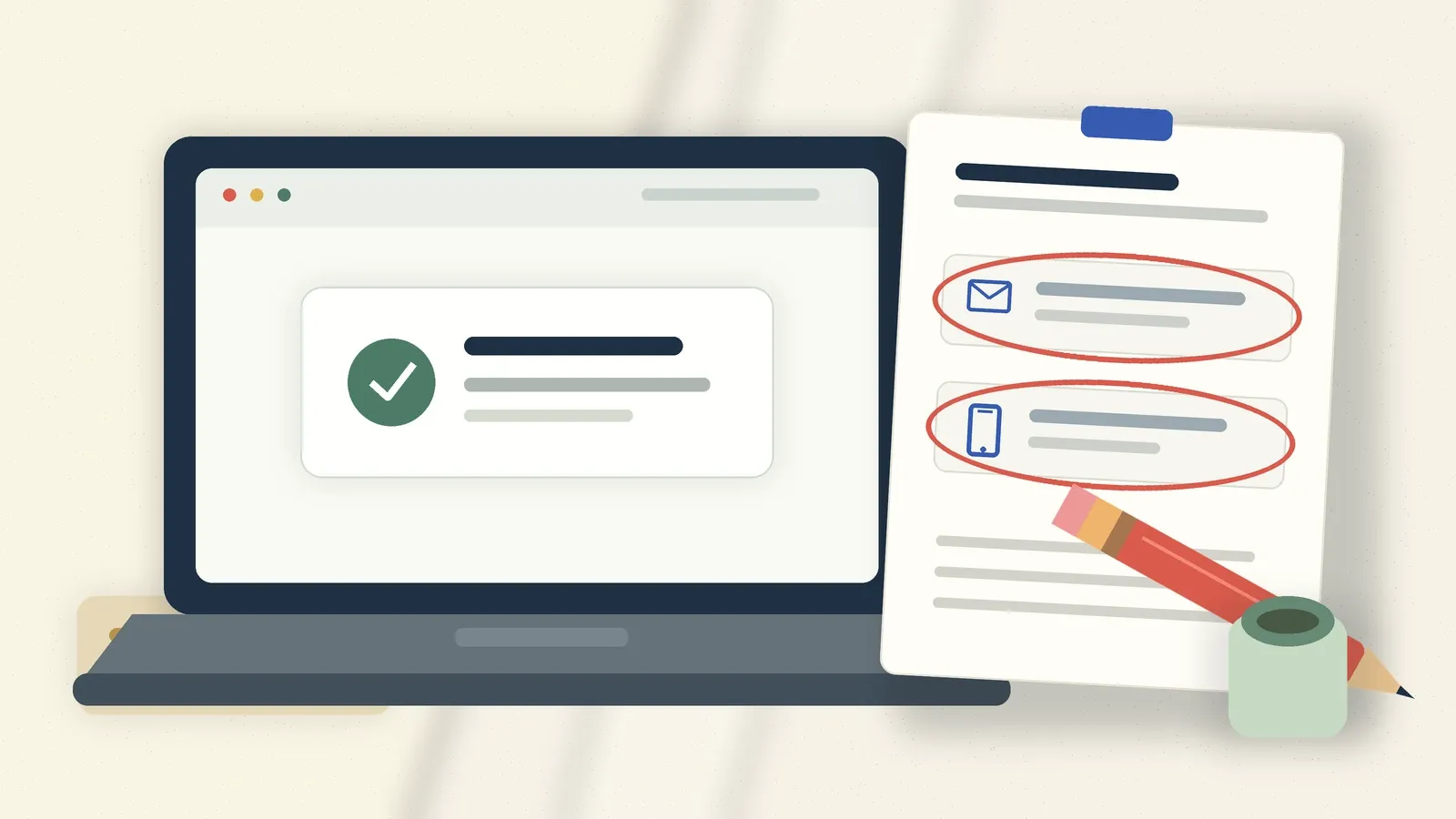
Does reCAPTCHA stop fake leads? It can reduce automated abuse, but it is not lead validation. reCAPTCHA scores the risk around an interaction. A standard lead-form setup does not independently prove that an email reaches a real mailbox, a phone number can be called or the person submitting has any intention of buying.
That distinction explains a familiar problem. A form has the checkbox or badge. The integration is working. Junk still lands in the CRM.
The tool has not necessarily failed. It may have answered its question correctly while the business assumed it was answering a different one.
Does reCAPTCHA stop fake leads on its own?
No. reCAPTCHA can deter basic automated submissions and estimate whether an interaction looks risky, but a fake lead is not always an obvious bot. Some junk is entered by people. Some contains usable-looking contact details. Some clears a challenge and still has no commercial value. Interaction risk and lead validity overlap, but they are not the same thing.
Google's current documentation is careful about the scope. Its web key guide says all key types return a score based on user interactions with the site. The score helps the site owner decide what to do next. It is not presented as independent proof of the submitted email, phone number or message.
This matters because "fake lead" is a business label, not one technical condition. It can mean an automated form fill, a paid human submission, a disposable address, a mistyped mailbox, an impossible phone number, a duplicate or an enquiry written to look plausible without any buying intent. One risk score cannot settle every one of those questions.
What does modern reCAPTCHA actually assess?
Modern reCAPTCHA assesses the risk of an event. Google Cloud Fraud Defense offers score-based, checkbox and policy-based challenge keys for websites, and every type returns a score based on interactions. A higher score means lower assessed risk. The site owner then chooses whether to allow, challenge, slow, verify or review the request.
The current key types differ mainly in how much the user sees and when a challenge appears:
| Key type | User experience | Core output | The decision it supports |
|---|---|---|---|
| Score-based | No CAPTCHA challenge | A risk score for the interaction | Allow, review or add verification in the background |
| Checkbox | The user clicks "I'm not a robot" and may receive a challenge | A score plus the challenge result | Deter unsophisticated automation or require another check |
| Policy-based challenge | A challenge appears when the initial score crosses the configured threshold | A score plus the challenge result | Apply a challenge under a defined policy |
Google's current key-type guide recommends score-based keys for many web uses. Its assessment guide says scores run from 0.0 to 1.0 across 11 levels. A score of 1.0 indicates low risk and a likely legitimate interaction; 0.0 indicates high risk and possible fraud.
"Likely legitimate interaction" is the phrase to hold onto. It is stronger than "the checkbox was ticked", but it is still about the event. A standard assessment does not perform dedicated mailbox verification, phone validation or semantic lead qualification simply because the form contains those fields.
Why can junk still pass a CAPTCHA?
Because solving a challenge and submitting a useful sales lead are different achievements. Google now says this plainly: CAPTCHA challenges add friction, are becoming less useful at separating humans from bots and face paid attackers who can solve every type of challenge. A successful challenge therefore cannot serve as a certificate of commercial intent.
That does not mean every paid or assisted submission will receive a low-risk final assessment. Google can use interaction and environment signals to spot suspicious behaviour. The point is narrower: challenge completion by itself is not enough.
The same issue appears with polished text. An enquiry can read well and still be irrelevant, copied, machine-assisted or sent with unusable contact details. Our article on AI-generated form spam covers the mix of message, contact and session signals needed to judge those submissions without pretending that one phrase proves fraud.
Once junk is accepted as a conversion, the damage can travel further. The advertising system may receive a positive event even though nobody in sales could work the lead. That feedback problem is covered separately in how junk leads train ad-platform optimisation. reCAPTCHA can reduce one source of noise, but it does not reconcile the CRM outcome with the conversion event by itself.
Can reCAPTCHA use more than interaction signals?
Yes, when the wider Google Cloud Fraud Defense features are deliberately configured. Current assessment requests can include the token, action, user agent, IP address and JA3 or JA4 client fingerprints. Google says this extra context helps with advanced attack patterns and human-led abuse. Other documented modules can assess account, transaction and phone-fraud signals.
This is where broad claims about CAPTCHA become sloppy. It would be wrong to say modern reCAPTCHA only sees a checkbox. It can be part of a much wider risk system.
It would also be wrong to assume that every site using a familiar badge has configured those features, supplied the relevant data or added dedicated lead checks. Google's standard assessment example evaluates the event, token and context. The site still has to decide which extra verification belongs after that assessment.
For a lead form, the unresolved questions are practical. Can the mailbox receive mail? Is the domain disposable? Does the phone number fit the claimed country and numbering plan? Is the same contact being submitted repeatedly? Does the message fit the business and the form it arrived through? Those require separate data and policy decisions.
Does CAPTCHA create conversion or accessibility risk?
Challenge-based CAPTCHA can create both, although the size of any conversion effect depends on the site and should not be invented. Google's current guide says challenges increase friction, might reduce conversion and are not accessible to every user. Score-based keys avoid the visible task, which is one reason Google recommends them for sites with accessibility needs.
The W3C CAPTCHA accessibility note goes further. It says interactive tasks can exclude people with disabilities and deny access to a service. The document is a Group Draft Note from December 2021, not a W3C Recommendation, so it should be cited as work in progress rather than a binding standard.
There is no honest universal figure for "CAPTCHA conversion loss". A challenge on a high-risk request is different from a challenge on every form fill. A desktop flow differs from mobile. The useful decision is not whether to remove protection. It is whether the visible burden matches the risk and whether the form has quieter checks that do not ask genuine prospects to prove themselves repeatedly.
What should validate the lead data itself?
Server-side validation should handle the data, while reCAPTCHA handles event risk. OWASP's Input Validation Cheat Sheet separates syntactic validation from semantic validation and says security checks must run on the server because client-side JavaScript can be bypassed.
Syntax catches malformed input: an email without a usable structure or a phone number that cannot fit the expected format. Semantic checks ask whether the value makes sense in context. An email domain may have no mail server. A domain may be a known disposable provider. A phone number may be technically well formed but unsuitable for the claimed country. A repeated contact may indicate duplication rather than a new opportunity.
Even then, be modest about the verdict. OWASP notes that disposable-domain lists will always be incomplete. An MX record proves that a domain can receive mail in principle, not that a named mailbox exists or belongs to the submitter. A valid-looking phone number is not proof that the person wants a call.
Good lead protection therefore uses reasons and review states rather than pretending every suspicious signal proves fraud. That protects genuine prospects who mistype an address or use an unusual but legitimate domain.
How can you test whether the gap is real?
Start with the leads you already have. Export a recent batch and run deterministic checks across the rows. Look for invalid structure, dead mail domains, disposable providers, common provider typos, duplicate contacts and phone-format problems. Compare the flagged rows with what sales actually found when they tried to work them.
A flagged row is not automatically fraudulent. It is a reason to repair, review or suppress the record. A clean row is not automatically genuine either. This test establishes a floor: the obvious data problems a browser-risk score was never meant to settle.
LeadShield includes bulk CSV cleaning on every plan and every trial. Starter handles 250 rows per upload, Professional 1,000 and Enterprise 5,000; trials include the Professional feature set. Each row receives a verdict, risk score and reasons. Bulk mode is deliberately limited to deterministic checks because a CSV row has no live browser session or IP. The audit is the floor, not the ceiling; live protection can use more context.
For live submissions, Professional and Enterprise can send HMAC-signed verdict webhooks into the customer's own stack. A valid verdict can trigger an immediate Slack or CRM alert, while lower-confidence rows can take a review path. The customer can also apply the exported Google Ads IP exclusions and SHA-256 hashed email suppression files. These are customer-controlled exports, not automatic changes to an advertising account.
Keep reCAPTCHA if it is reducing automated abuse. Add lead-data checks for the questions it does not settle, and route the result according to confidence. You can see how LeadShield scores a submission and explains the verdict without signing up.
Frequently asked questions
Is reCAPTCHA useless for lead forms?
No. It can deter unsophisticated automation and provide a useful risk score for the interaction. The mistake is treating that score or challenge result as complete lead validation.
Does reCAPTCHA validate email addresses or phone numbers?
A standard website assessment does not independently perform dedicated mailbox or phone validation merely because those fields appear on the form. Broader Google Cloud Fraud Defense modules can use additional supplied context, but lead-data verification still needs deliberate configuration and policy.
Is reCAPTCHA v3 better than a checkbox?
It depends on the risk and the user journey. Score-based protection avoids a visible challenge and gives the site owner more room to verify or review in the background; a checkbox can deter simple attacks but may add friction and accessibility barriers.
What is the quickest way to find junk that passed reCAPTCHA?
Audit a recent CRM export with deterministic email, domain, duplicate and phone checks, then compare the flagged rows with sales outcomes. Treat the result as a floor because a file has no browser, interaction or IP context.
Fake leads draining your budget?
LeadShield blocks bots, disposable emails and AI spam at the form. 60-second install.
Start free 14-day trial