Facebook Lead Ads Fake Leads: Stop Dialing Dead Numbers
The LeadShield.ai Team · 20 October 2026
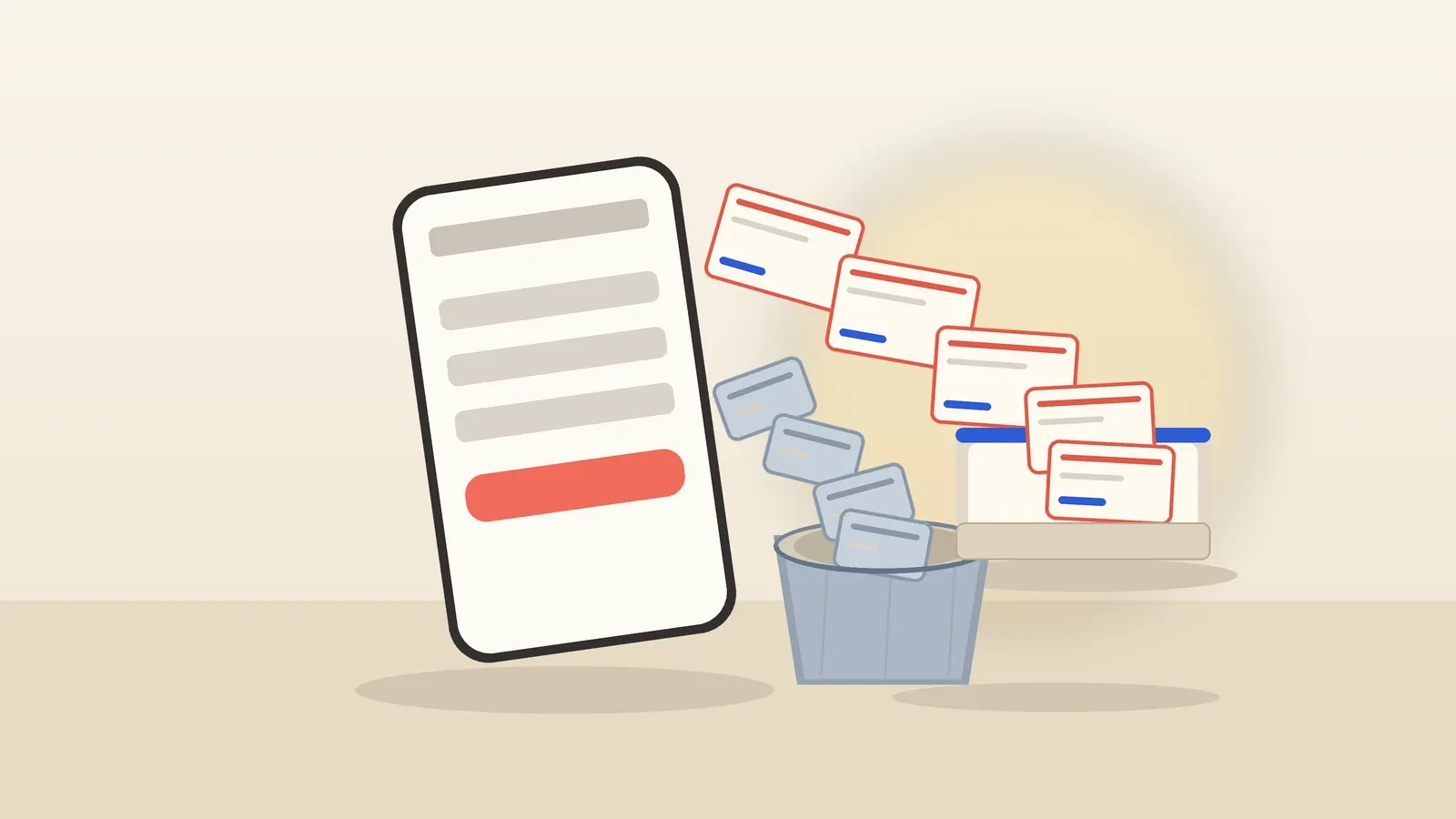
Your rep dials the first number. Disconnected. The second rings out to a voicemail box nobody ever set up. The third contact answers, insists she never asked for a quote, and hangs up. Ads Manager, meanwhile, reports a healthy cost per lead and 150 fresh contacts a month. The client does not see the dashboard. They see a sales team burning hours on unusable contacts. That gap is what people mean by Facebook lead ads fake leads. Not every missed call proves fraud, but bad contact data is a real problem. It is also fixable downstream.
Where Facebook lead ads fake leads actually come from
Lead ads do not send anyone to your website. When someone taps your ad, Meta opens an instant form inside Facebook or Instagram and hosts the entire experience on its own servers. Meta's documentation describes the design plainly: "Using instant forms, you can collect information from people who may be interested in your business or service without requiring them to leave Facebook or Instagram." The submission never touches your site, your analytics or your form tool. That is why the format converts so well on mobile, and why junk sails through. There is no page of yours to protect, because no page of yours is involved.
Prefill strips out most of the remaining effort. Meta states that "contact information, such as name, email address and phone number, may be prefilled for the person if they have already provided their information to Meta," and its prefill guide adds that "prefill questions take information from a Facebook or Instagram profile to complete the instant form." Two thumb-taps and the form is done. Wonderful when the person genuinely wants a roof inspection this week. Worthless to you when they were scrolling half-asleep with one hand.
Why instant forms produce junk submissions
Start with the default settings. Meta's default form type is called More volume, and Meta's own description says it all: it "makes it easy for people to quickly submit the form on a mobile device, as this option is designed to generate a larger number of leads." Ease of submission is the product. When submitting takes two taps, you collect submissions from people who gave your offer roughly two seconds of thought.
Meta knows this. It offers a Higher intent form type whose review screen and follow-up disclaimers exist, in Meta's own words, to "prevent receiving submissions from those people who are only marginally interested in your product or service." Read that back. The platform itself acknowledges that marginal submissions are a property of the format. Extra friction trades some submission volume for more deliberate responses.
Stale data does the rest. Prefill copies whatever the profile holds, and profiles age. If the phone number on someone's profile is three years old, the lead arrives wearing a dead number, and no fraudster was required to produce it.
Bots add another layer. Coupler.io's 2026 Facebook Ads statistics roundup, citing Lunio's Global Invalid Traffic Report, states: "Lead generation campaigns have 32% higher invalid-traffic rates than transactional campaigns." That is a campaign-traffic comparison, not the percentage of Facebook instant forms that are fake. It cannot establish the junk rate in your own account.
Question count is the other lever. Meta's guidance to advertisers is blunt: "Fewer multiple choice questions results in more form submissions, whereas more multiple choice questions typically results in more quality leads." You can buy quality with friction, or volume with ease. You cannot buy immunity.
Can a CAPTCHA or a website plugin stop Facebook form spam?
No. The instant form lives on Meta's servers, inside its apps. Your website never hosts the form, never sees the submit event and cannot inject a CAPTCHA, a honeypot or any script into it. Website anti-spam tools have nothing to attach to. Any fix has to operate on the lead data after submission, not on the form.
This trips up nearly everyone once. Honeypots, fill-time checks, behavioral scripts and device fingerprinting all operate on web pages you control. An instant form contains none of your code, so none of those tools can reach it. ⚠️ A website plugin cannot screen Facebook instant forms, because there is no website in the loop. Screening has to happen on the copy of the lead that flows out of Meta and toward your CRM.
How do you screen Facebook leads before they reach sales?
Screen the lead stream, not the form. Route a copy of every new Facebook lead through a scoring step connected by Zapier, Make or GoHighLevel, then use the verdict to gate sales actions. Some routes can gate CRM writes; native CRM integrations may already have created the contact before screening runs.
The pattern is a screening rail: Facebook lead data, a scoring step, then controlled sales follow-up. The platforms provide lead triggers; your workflow supplies the filtering logic.
-
Keep your current lead route. Connect Facebook lead ads to your platform exactly as you do today. GoHighLevel's native integration "allows you to directly sync lead data from Facebook Lead Ads into your CRM," and its Facebook Lead Form Submitted trigger fires a workflow on every new lead. Zapier and Make both ship native Facebook Lead Ads triggers that do the same job.
-
Copy each new lead to a private intake URL. Add a webhook action pointing at your LeadShield lead-intake URL. Nothing is installed on a website, and the original submission remains untouched. Copy-based screening is one downstream route; exported CSV files are another.
-
Score the copy in real time. Email syntax, disposable domains, MX records, typo checks, phone validation and your keyword blocklist help produce a verdict with reasons. HMAC-signed verdict webhooks require Pro or Agency after the trial. Do not assume Meta form copies include a usable source IP for IP-based checks.
-
Gate the next sales action. Branch on the verdict. If the contact is already in GoHighLevel, tag or quarantine flagged records and suppress call tasks and SMS. If you control an upstream route, gate its later CRM write. Export flagged leads separately for review.
-
Route passing leads to sales fast. Fire call tasks, SMS and notifications for leads that passed your checks, so response time goes to better-quality contact data. Passing checks does not prove intent or guarantee a sale.
-
Review verdicts and report the junk rate. Inspect reasons, review suspicious records and separate confirmed invalid contacts from merely unanswered calls. Your cost-per-lead input turns the flagged count into an estimated spend figure, not measured cash recovered.
🔍 Before changing a single workflow, export last month's leads and run up to 250 rows through the free audit page, no account and no card: audit your Facebook leads for junk.
What junk leads cost, and how to prove it to clients
"It feels like a lot of junk" is not a client conversation. A verdict with a reason is. Screening turns each lead into a labeled record: invalid because the email domain is disposable, suspicious because the phone number failed validation, clean because every deterministic check passed. Those labels roll up into a junk rate per campaign you can defend line by line. ✅
One boundary matters. Screening flags invalid and suspicious submissions; it does not predict intent, and a legitimate homeowner who changes her mind is not fraud. Sell it as a filter on contacts your reps could never reach anyway, not as mind-reading.
Now run your own numbers through this hypothetical template. Suppose you pay $30 per lead and land 200 leads a month. After review, 4 in 10 have demonstrably invalid contact details, not simply an unanswered call. That is 80 invalid contacts, representing $2,400 in acquisition spend associated with those records. It is not proof of cash you can recover. Replace the assumptions with your own verified counts. This is a worked example, not an industry benchmark or a customer result.
Screen first, then call in minutes
Filtering can make fast follow-up more efficient. Every dead dial takes time that could go to another prospect, so prioritize contacts that pass the checks and review uncertain records separately. Screening improves the input; it does not promise a conversion. For the response-time half of the equation, read why speed to lead decides whether a genuine lead converts.
Junk leads quietly train the ad platform against you
There is a second-order risk, too. A campaign optimizing for submissions can reward a form completion without knowing whether sales can use the contact. Meta's guidance tells advertisers to share CRM lead data "so we can optimise to reach higher quality leads in your audience." That makes the quality of feedback important; screening alone does not automatically send conversion feedback to Meta. The feedback loop is covered in how junk leads train ad-platform optimisation.
Frequently asked questions
Are Facebook lead ads still worth running for local service businesses?
They can be, if you treat the form as a raw feed rather than a qualified pipeline. Measure usable contacts and actual outcomes, not just submission cost. Screening and controlled follow-up help agencies evaluate that trade-off without promising cheap leads will become sales.
Will a higher-intent form or more questions stop fake leads?
They help at the margin. Meta's higher-intent form adds a review screen to reduce marginally interested submissions, and more qualifying questions buy quality at the cost of volume and a higher cost per lead. Neither touches stale profile data or bot traffic, so keep a screening layer behind the form.
Does lead screening block the original Facebook submission?
No. A downstream screening workflow does not alter Meta's original submission. It scores a copy, and your workflow decides which later CRM or sales actions proceed.
Can I check the leads I already have without changing my setup?
Yes. Export them to CSV and run a bulk clean: each row receives a verdict, risk score and reason from deterministic checks only, not browser or behavioral analysis. The public audit page checks up to 250 rows with no account and no card. That audit is a floor, not a ceiling, on what supported live routes can detect.
Junk leads are a plumbing problem, and plumbing gets fixed upstream of the sales floor. Create a free LeadShield account, point a copy of your Facebook lead ads at your private intake URL, and let your reps spend the day talking to people who exist. Every account starts with 14 days of Pro and no card: start screening Facebook leads for free.
Fake leads draining your budget?
LeadShield catches bots, disposable emails and AI spam — connect your form tool or CRM in two minutes, nothing to install.
Start free