How to Build a Google Ads IP Exclusion List From Form Spam
The LeadShield.ai Team · 09 November 2026
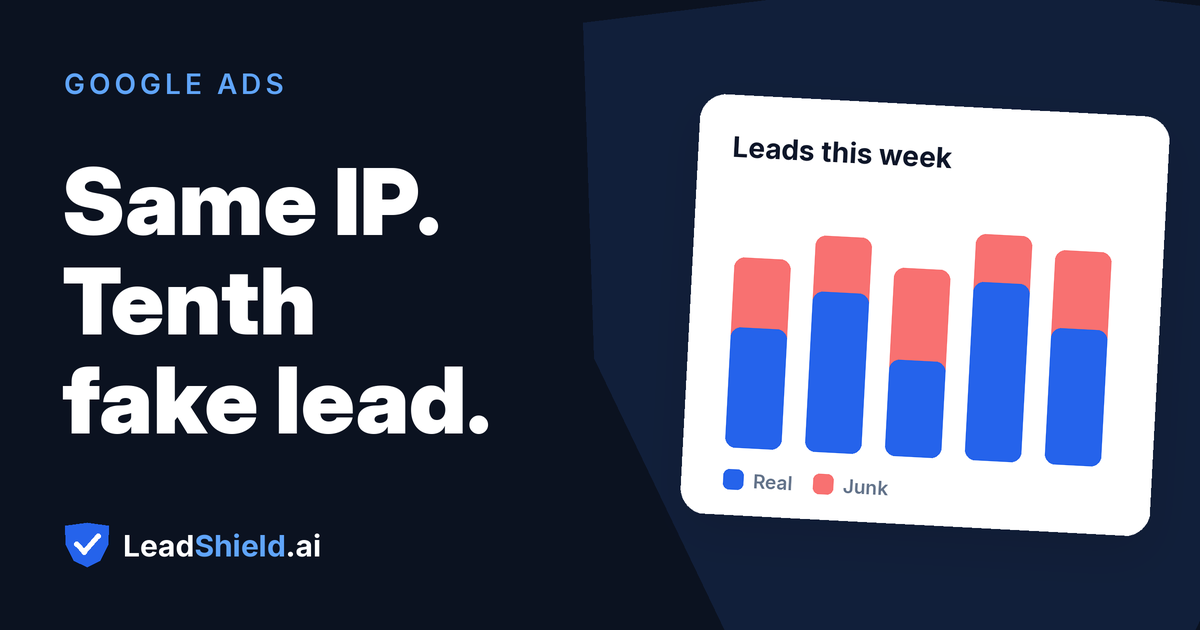
You blocked the fake lead. Two days later the same faker is back with a fresh throwaway email and the same form. Screening protects your CRM, but the ad click that brought them already happened, and it already cost you money. The one lever left is a Google Ads IP exclusion list: stop showing your ads to the addresses that keep sending junk. Built carelessly, the same list hides your ads from real customers. Here is how to build it so that does not happen.
Why do the same fake leads keep coming back?
A significant share of repeat form spam traces back to a handful of sources, not a crowd of strangers. Scripts hit your form on a schedule. Paid clickers work through your ads because someone pays them per click or per lead. Some "lead vendors" probe your offers with test submissions to see what happens next. Rotating the email address is the cheap part; a throwaway address costs nothing. The IP address and the device behind it are harder to change, and that is what gives repeat offenders away.
Ad traffic attracts this more than organic traffic, because the ad is a doorway anyone can find. A competitor, a bored employee or a paid click farm does not need your URL; they need a keyword you bid on. That is why repeat offenders cluster on paid campaigns, and why the fix belongs on the ads side as well as the form side. None of this requires the submissions to be sophisticated: fake phone numbers, throwaway email domains and gibberish names all count as junk when they arrive in batches from the same source.
Look at a month of junk leads grouped by IP address and the pattern is blunt: a small number of addresses, each tied to submission after submission, mixed in with one-off noise. Group by email instead and the picture dissolves, because the emails rarely repeat.
One distinction before you build anything. If the same real person submits twice because their first attempt failed, that is a duplicates problem, not spam, and it deserves a merge rather than a block. GoHighLevel users can trace how those duplicate records happen in this guide to duplicate contacts in GoHighLevel.
What is a Google Ads IP exclusion list?
It is a list of IP addresses you add inside Google Ads so your ads stop showing to those addresses. At campaign level it lives under Settings, Additional settings, IP exclusions, and each campaign's list holds up to 500 addresses. An asterisk in the last block excludes a range, like 203.0.113.*, which is worth avoiding unless you know exactly what else lives on that range.
There is also an account-level list, under Admin, Account settings, IP exclusions. It applies across every campaign type in the account, including Performance Max, Demand Gen, Search, Shopping, Display, Discover and YouTube. That matters because the campaign-level setting is not available for video, hotel, App, Performance Max or Smart Display campaigns. Where you use both levels, Google merges the two lists for each campaign, and account-level entries can only be edited from account settings. These are Google's own documented behaviors, not workarounds.
One practical wrinkle from Google's help page: the same connection can reach you under more than one version of an IP address, IPv4 and IPv6, so make sure you exclude every version you have seen the offender use, not just the first one that appeared in your logs. An address you exclude in only one version can still see your ads through the other.
One boundary worth stating plainly: an exclusion list stops future impressions and clicks. It does not refund the clicks that already happened. Blocking a repeat offender's tenth visit saves you the eleventh; the first ten are paid for.
How do you build the list from your own form spam?
The work is five steps, and the fourth is where most lists go wrong.
- Set the window. Pull your junk leads from the last 30 or 90 days. Shorter windows miss slow repeaters; longer ones accumulate addresses that carriers have since reassigned to someone innocent.
- Group by what is expensive to fake. Sort by IP address first, then device, email domain and phone number. Repeat offenders surface as a few identities behind many submissions.
- Separate paid junk from organic junk. If your forms capture the click ID from the landing page URL, you know which junk leads arrived through Google Ads. Only those belong on a Google exclusion list. A repeat offender who has never arrived through a paid click is still annoying, but excluding that address saves no ad spend. One limitation to expect: a click ID is only visible when the form is filled during the same visit as the ad click, which covers the usual PPC landing-page flow but not someone who returns a day later from a bookmark.
- Cross-check every address against your good leads. If an IP has ever sent you one real lead, it comes off the list. This single rule prevents accidentally excluding legitimate prospects.
- Export, upload, and set a re-check date. Paste the surviving addresses into account-level IP exclusions, or into a specific campaign's settings, then revisit monthly. New repeat offenders appear; some old addresses get reassigned.
Which IP addresses should never go on the list?
Any address that has also sent you a good lead. That is the whole rule, and it exists because the same address can be your worst spam source and your best customer's front door at once.
- ⚠️ Mobile carriers use carrier-grade NAT, which puts many subscribers behind one shared address. One spammer on a phone network can share an exit IP with hundreds of ordinary people.
- ⚠️ Offices and coworking spaces share a single connection. The person clicking your ads to waste budget and the genuine buyer two desks over sit behind the same address.
- ⚠️ VPN and proxy exit nodes mix traffic from everyone on that server, junk senders and buyers alike.
Exclude one of those and nothing warns you. Your ads simply stop showing to everyone else behind the address, and the only symptom is leads that never arrive, which looks like a hundred other things in a PPC account.
How do you spot repeat offenders without guessing?
Group your junk leads by IP address, device, email domain and phone number over a fixed window, then count how many submissions each identity is responsible for. That is the whole diagnostic. Doing it by hand in a spreadsheet is possible but miserable, which is why tooling exists for it.
A note on "device", because it is easy to over-read. A device signal here is a browser fingerprint from a website form, not a person. Identical phone models can produce near-identical fingerprints, so a device that has also been seen on good leads should not be treated as an offender either. The same caution that protects shared IP addresses protects shared devices, and for the same reason.
LeadShield's repeat offenders view does this grouping on every plan, across the last 7, 30 or 90 days. For each offender it shows how many junk leads were sent, when it was last seen, the main reason it was flagged, and how many of its leads arrived from a paid ad click. On Pro and Agency plans, the Google Ads export leaves out any address that also sent a good lead and lists it with a note instead, so the cross-check above happens before you ever see the file. You upload the list yourself; nothing syncs on its own. To size the problem on leads you already have, the free lead audit checks up to 250 recent rows with no signup and no card.
What can't an IP exclusion list fix?
It cannot recover spend, and it cannot touch spammers who rotate addresses. Botnets and residential proxy networks hand every visit a fresh IP, which defeats a list built from yesterday's addresses. Junk riding on mobile carrier addresses cannot be excluded without excluding the customers behind the same address. And leads that never touch your website, like Facebook instant forms, arrive with no page visit to exclude in the first place; those need screening after they land, in the CRM or automation that receives them. For the wider playbook on catching fake leads from Google Ads before anyone follows up, this step-by-step guide covers the form side.
Frequently asked questions
How many IP addresses can I exclude in Google Ads? Up to 500 per campaign at the campaign level, entered individually or as ranges with an asterisk, like 192.0.2.*. An account-level list applies across every campaign in the account instead, including Performance Max.
Do IP exclusions work on Performance Max campaigns? Not at the campaign level. Google excludes Performance Max from campaign-level IP exclusions, along with video, hotel, App and Smart Display campaigns. Account-level exclusions do cover Performance Max and every other campaign type.
Will excluding an IP refund the clicks I already paid for? No. Exclusions stop future impressions and clicks from an address. They are a prevention tool, not a credit mechanism.
What if the repeat spam comes from phones on mobile networks? Those addresses are usually shared through carrier-grade NAT, so excluding them risks hiding your ads from real customers. Group by email and phone number instead, and screen those leads after they land in your CRM.
How often should the exclusion list be updated? Monthly is a sensible cadence. New repeat offenders show up continuously, and residential addresses get reassigned to new households, so an entry that was safe to exclude last quarter may belong to a customer today. Keep a copy of what you uploaded and when, so every change is reversible.
Fake leads draining your budget?
LeadShield catches bots, disposable emails and AI spam — connect your form tool or CRM in two minutes, nothing to install.
Start free